Diabetic Supplies Medicare PSHB: 2026 Coverage Updates & Key Checklist
Key Takeaways
- Follow a step-by-step approach to add your spouse to your PSHB plan and avoid enrollment delays in 2026.
- Gather documentation early and understand Medicare integration to ensure family health coverage transitions smoothly.
Navigating the process of adding your spouse to your Postal Service Health Benefits (PSHB) plan can feel overwhelming, especially with new rules taking effect in 2026. Here, you’ll find a step-by-step guide that breaks down the essential tasks, timelines, and documentation you need — so you can handle your enrollment confidently and accurately.
What Is the PSHB Program?
Overview of PSHB coverage
The Postal Service Health Benefits (PSHB) program is a specialized health insurance program created for U.S. Postal Service employees, retirees, and their eligible family members. PSHB operates under guidelines set by the Office of Personnel Management (OPM), with coverage similar to the longstanding Federal Employees Health Benefits (FEHB) program, but customized for postal workers. PSHB plans offer medical, prescription, and, in some situations, integration with Medicare for those who qualify by age or disability.
PSHB launch and eligibility basics
PSHB officially launched on January 1, 2025. All postal employees, retirees, and certain family members — like spouses — can qualify, provided they meet OPM’s eligibility criteria. If you’re retired or thinking about retirement, your transition from FEHB to PSHB is handled automatically, but family members must be actively enrolled to have coverage.
Why Add Your Spouse to PSHB?
Benefits for family health security
Including your spouse on your PSHB plan means extended access to group health coverage, which can help lower costs, simplify claims, and provide peace of mind. It ensures your family’s health needs remain protected after employment ends and into retirement, with a range of plans designed to meet different medical and financial needs.
Changing needs after retirement
Retirement brings many life changes, including shifts in health needs. Adding your spouse helps you maintain joint coverage and can simplify integration with Medicare, especially as both of you become eligible for additional benefits or support.
What You’ll Need Before Enrolling
Pre-enrollment checklist
Before you begin, it’s helpful to have a checklist on hand:
- Your OPM log-in credentials (including access to the new PSHB portal)
- Accurate personal information for both you and your spouse
- Official marriage certificate
- Any documents verifying a qualifying life event (if applicable)
- Social Security numbers for both parties
- Proof of dependency for spouses with special status, if needed
Required spousal documents
The PSHB program typically requires a valid marriage certificate and current personal identification. These documents help verify eligibility and prevent delays in processing your enrollment. If your spouse is covered under Medicare or has complex eligibility, you may need additional forms — review OPM guidance for the exact requirements.
Step 1: Review OPM Eligibility Rules
Defined spouse eligibility
To add a spouse, they must be your legally married partner according to federal law. For those in common-law marriages, eligibility depends on recognition in your state of residence; check OPM’s current list of accepted agreements.
Special considerations for divorced or remarried
If you’ve divorced and remarried, only your current legal spouse may be covered. Former spouses are not eligible unless you have a qualifying court order recognized by OPM. Double-check the most current eligibility rules before proceeding to prevent application issues later in the process.
Step 2: Gather Necessary Documentation
Marriage certificate requirements
Have a copy of your official marriage certificate ready. Electronic copies may be accepted during the application, but OPM could request originals or certified duplicates for verification.
Proof of dependency (if needed)
If your spouse has complex citizenship or residency status, you may need to provide extra documentation to prove dependency. This could include IRS forms, joint tax returns, or other official paperwork.
Step 3: Log in to Your Benefits Portal
Access credentials
Use your OPM-provided user ID and password to enter the PSHB online system. If you’ve never logged in before, set up your account in advance to avoid trouble during the open season or special events.
Navigation tips for new PSHB systems
The new PSHB portal was designed to be more user-friendly. Look for clear menu prompts like “Family Enrollment” or “Add Spouse.” If you get stuck, official help resources are available directly from OPM’s website.
Step 4: Start PSHB Family Enrollment
Selecting coverage tiers
You’ll need to select a family coverage tier — usually labeled “Self Plus One” (for you and your spouse) or “Self & Family” (if including additional dependents, like children). Carefully review plan summaries to match your family’s health needs.
Enrollment period dates
Most spousal additions occur during the annual Open Season. If you’re enrolling outside of these dates, a qualifying life event (like marriage or loss of other coverage) is required. Mark these windows on your calendar to avoid missing them.
Step 5: Add Spousal Information Carefully
Entering accurate personal details
Accuracy matters. Double-check the spelling of names, birthdates, and Social Security numbers for you and your spouse. Mistakes can cause processing delays or even denial of enrollment.
Avoiding common application mistakes
Don’t rush: incomplete or incorrect forms are the most frequent cause of delays. Use the electronic checklist offered in the portal and review documents before submitting.
Step 6: Coordinate with Medicare (If Needed)
How PSHB integrates with Medicare in 2026
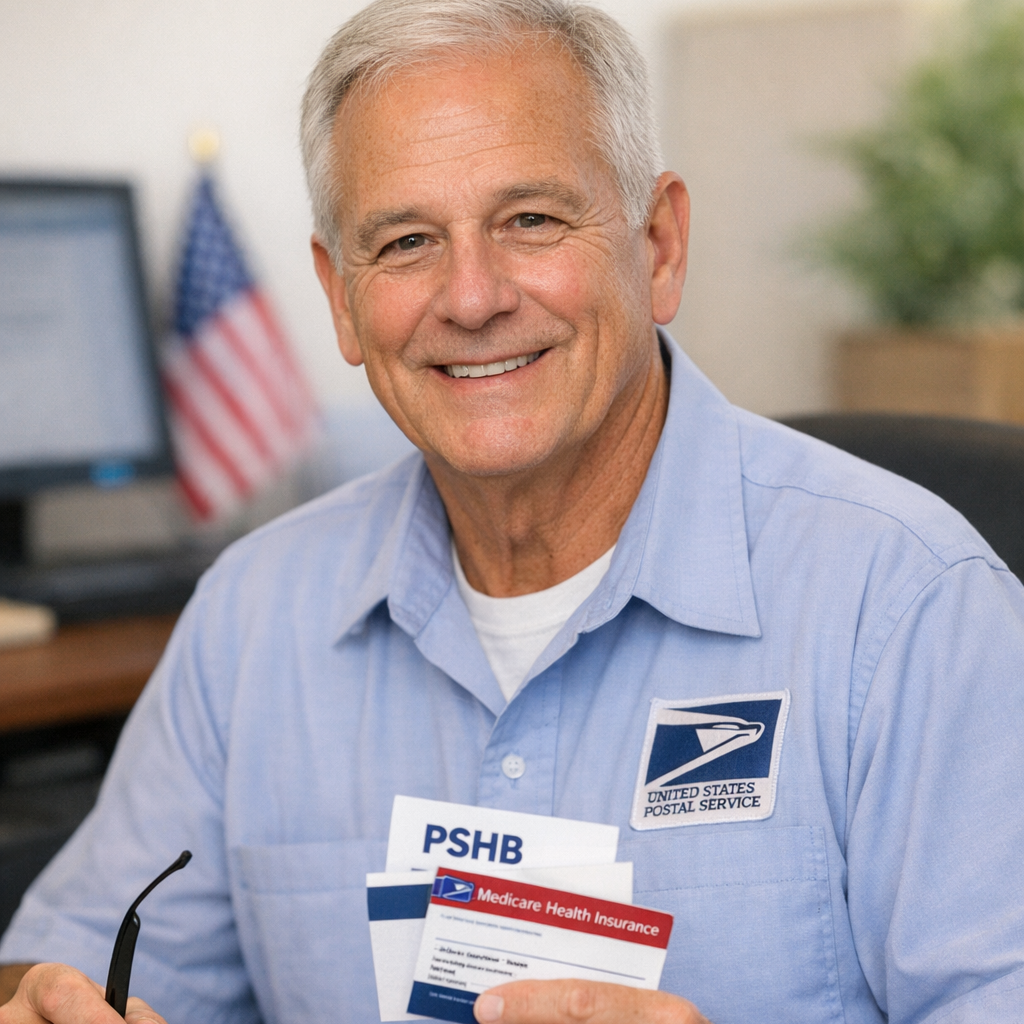
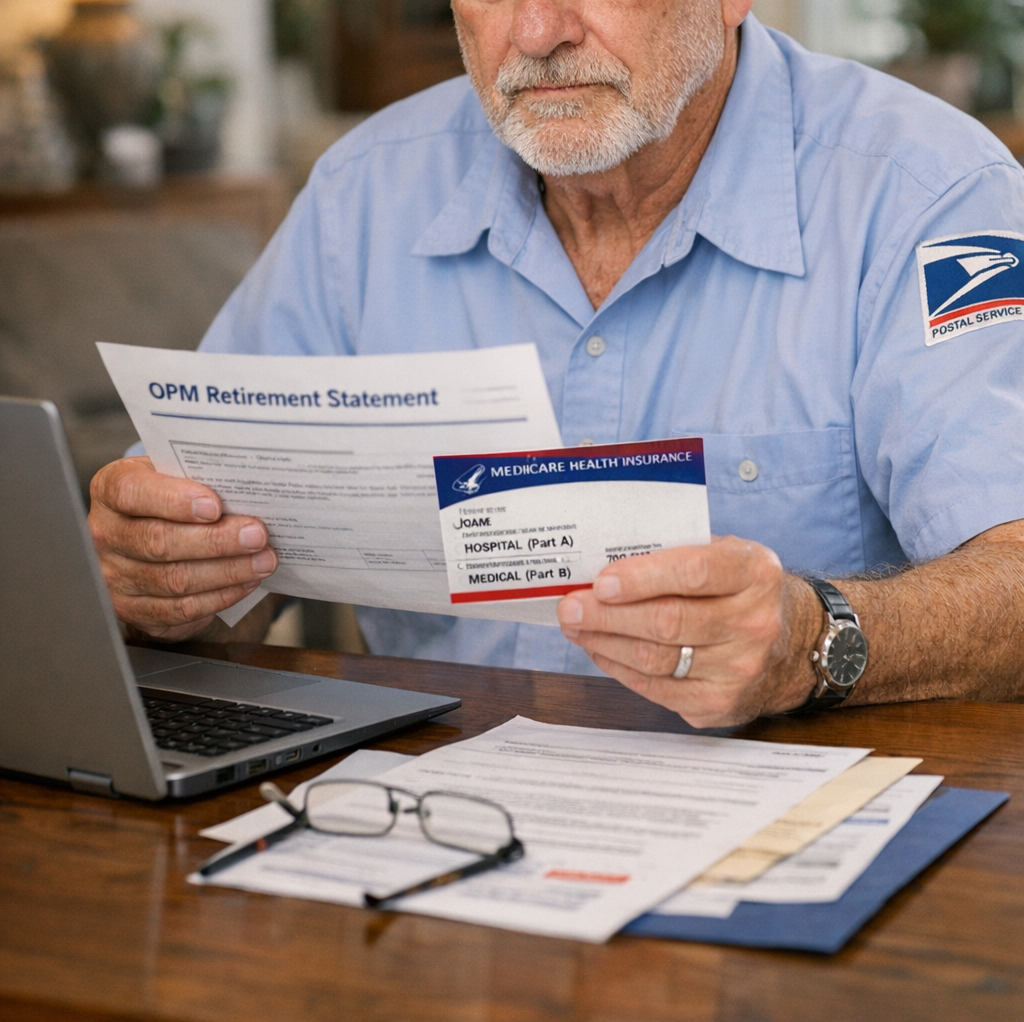
If you or your spouse are enrolled in Medicare, PSHB plans usually coordinate benefits. For most PSHB retirees, Medicare is the primary payer, and PSHB acts as supplemental coverage. Enrollment in both can minimize out-of-pocket costs, but each case is unique.
Does adding a spouse affect Medicare?
Adding a spouse does not require them to have Medicare, but PSHB coverage may change once they become eligible. It’s smart to review both OPM and Medicare materials to understand timing and coverage overlap.
Step 7: Finalize and Confirm Enrollment
Double-check all inputs
Before submitting, carefully review everything: information entered, document uploads, and chosen coverage level.
How to save or print confirmations
After finishing your application, download or print the confirmation page for your records. You may need this if you receive follow-up questions from OPM or the plan administrator.
Step 8: Monitor for OPM Approval and Updates
Tracking approval process
After you submit everything, watch for OPM emails or postal mail confirming receipt and approval. Processing might take a few weeks in high-volume seasons.
Resubmitting documents if requested
If OPM needs additional information, follow their guidance quickly to prevent lapses in coverage. Keep copies of all documents for your records.
What Happens After Adding a Spouse?
Coverage start dates explained
Generally, your spouse’s PSHB coverage starts the first day of the next pay period after approval. If you submitted your application during a life event or open season, check confirmation materials for the exact date.
Accessing care for your spouse
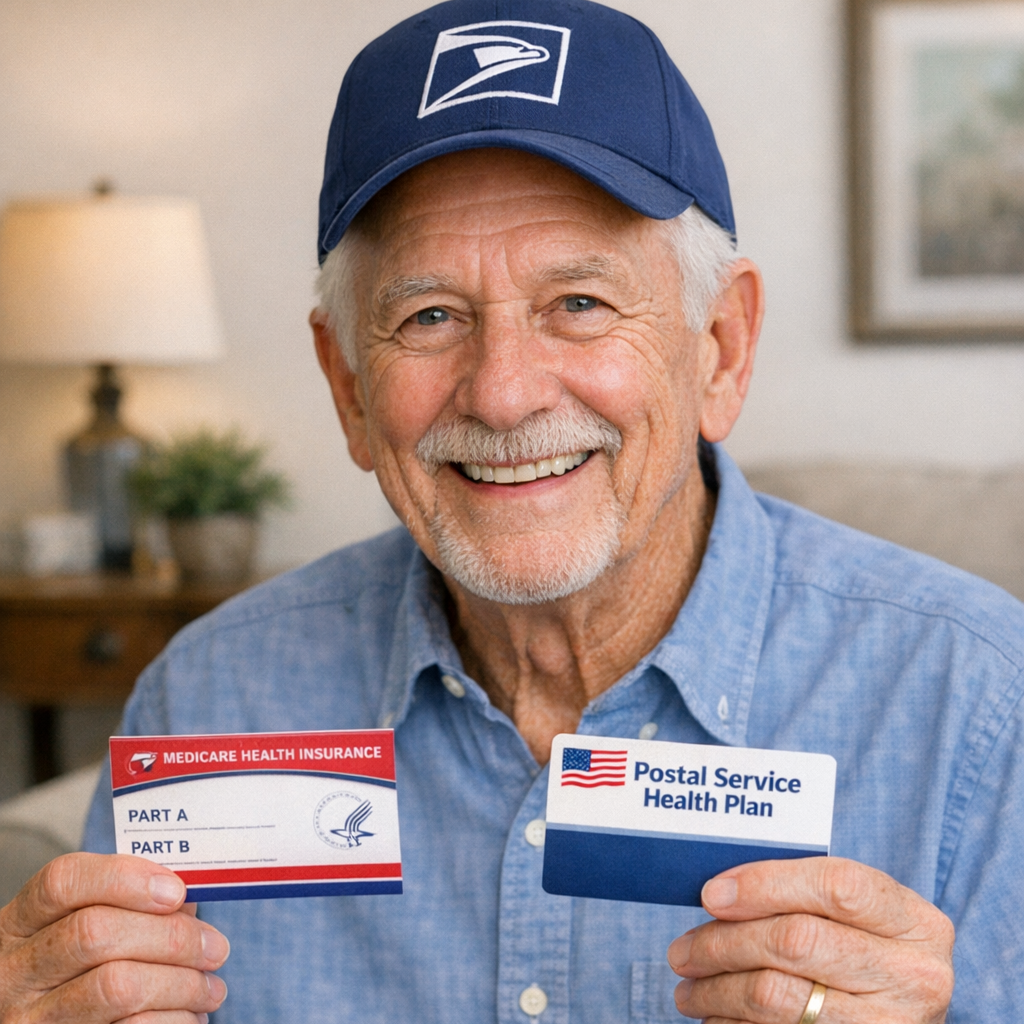
Once your spouse is enrolled, they can use PSHB benefits just like you. Make sure to share plan ID cards and provide the plan’s details at any medical appointments or pharmacies.
Common Mistakes to Avoid
Missed deadlines issues
Waiting too long can mean losing your chance to add your spouse for the year—a mistake that often results in a year-long wait unless you have a qualifying life event.
Incomplete document pitfalls
Forgetting required paperwork, inaccurate forms, or unclear scans can all delay or block your spouse’s enrollment. Prepare everything in advance.
Are There Special Timelines or Events?
Open season versus qualifying life events
Open Season is your main window for changes, but qualifying life events—like marriage, divorce, or a spouse losing other coverage—allow for changes anytime. Know which category your situation falls into.
Late enrollment risks
Trying to enroll outside allowed periods without a qualifying event usually isn’t possible. Mark all Open Season dates and have required proofs ready to avoid these issues.
FAQ: Postal Service Spousal Enrollment
Can I add my spouse after retirement?
Yes, as long as you’re eligible and apply during Open Season or after a qualifying life event.
How long does enrollment approval take?
Approval times vary, but typically range from a few days to several weeks during busy periods.
Is Medicare required for spouses on PSHB?
No, but if your spouse is eligible for Medicare, coordinating both can help reduce costs and maximize benefits.
Where to Find More Help
Official USPS and OPM resources
For the most current information, visit OPM’s PSHB portal or speak with USPS retirement counselors. These are your most reliable sources for benefit rules, deadlines, and official forms.
Trusted third-party educational guides
Several independent guides and nonprofit organizations offer educational materials to help you understand your options. Always cross-reference their information with OPM’s site or official publications, and remember these guides provide general education—never legal or tax advice.